Match the wattage of the charger that came with it. That figure is printed on the original adapter as an output rating, and it is what the manufacturer sized for the machine under full load.
Typical requirements:
| Machine | Common wattage |
|---|---|
| Chromebook, tablet, netbook | 30–45 W |
| Thin 13–14 in ultrabook | 45–65 W |
| Mainstream 14–16 in laptop | 65–100 W |
| Workstation / gaming laptop | 130–330 W |
Reading the brick
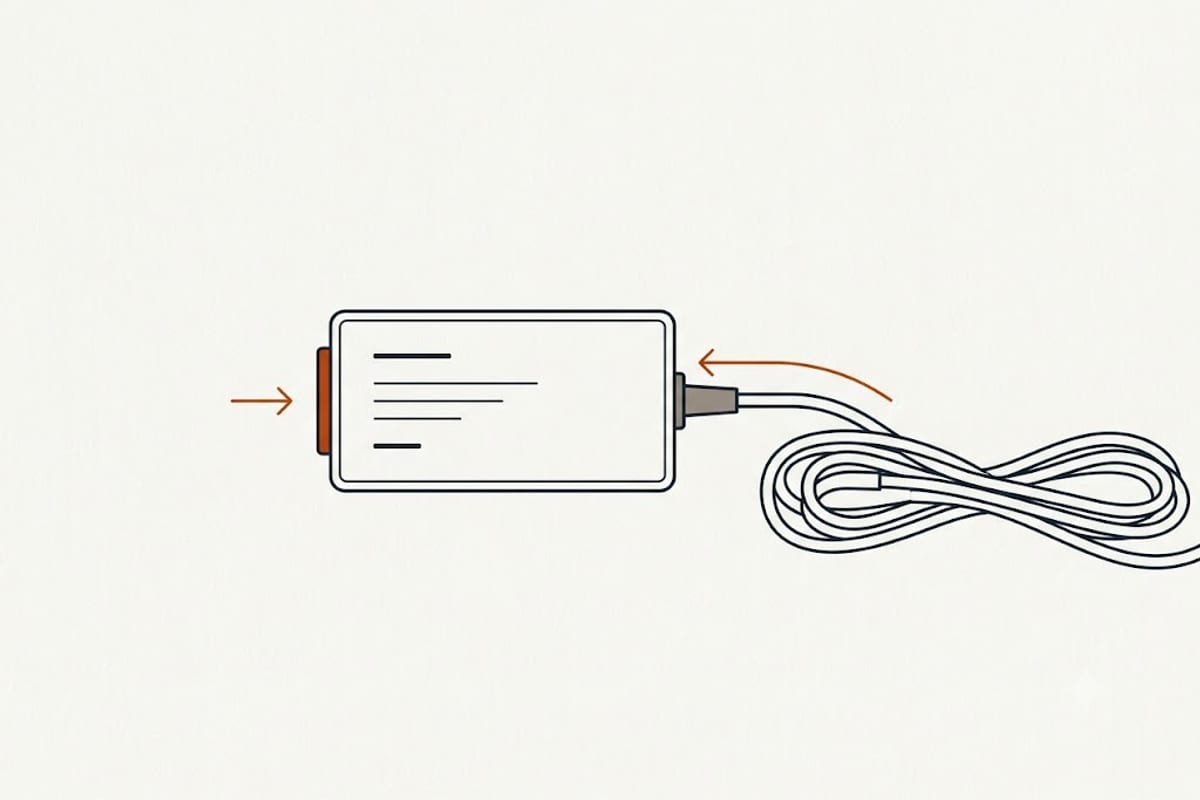
The label gives output volts and amps. Multiply them:
Watts = Volts × Amps
20 V × 3.25 A = 65 W
USB-C chargers usually list several profiles — 5V/3A, 9V/3A, 15V/3A, 20V/3.25A. The highest one is the charger's rating. Ignore the input figures; those describe the wall side.
What an underpowered charger actually does
Usually nothing dramatic. USB-C Power Delivery negotiates: the laptop asks, the charger offers what it has, and they settle on the highest profile both support.
The consequences are practical rather than dangerous:
Charging is slower, proportionally.
Under load it may not charge at all. A laptop drawing 60 W while compiling or gaming, connected to a 45 W charger, takes all 45 W for the work and draws the remaining 15 W from the battery. The battery falls while plugged in. Many machines also throttle performance to stay within the available power.
Some laptops refuse to charge below a threshold and display a warning instead.
Barrel-plug (non-USB-C) chargers have no negotiation. A barrel charger of the wrong voltage can genuinely damage a machine, and voltage must match exactly — amperage may be equal or higher, never lower.
Higher wattage is safe; the laptop decides
A 100 W charger on a laptop that needs 65 W supplies 65 W. The device draws what it requests; the charger does not push.
The only caveat is quality rather than rating. Uncertified adapters have been documented delivering the wrong voltage or omitting protection circuitry. Look for USB-IF certification and a recognised brand.
The cable is often the limit
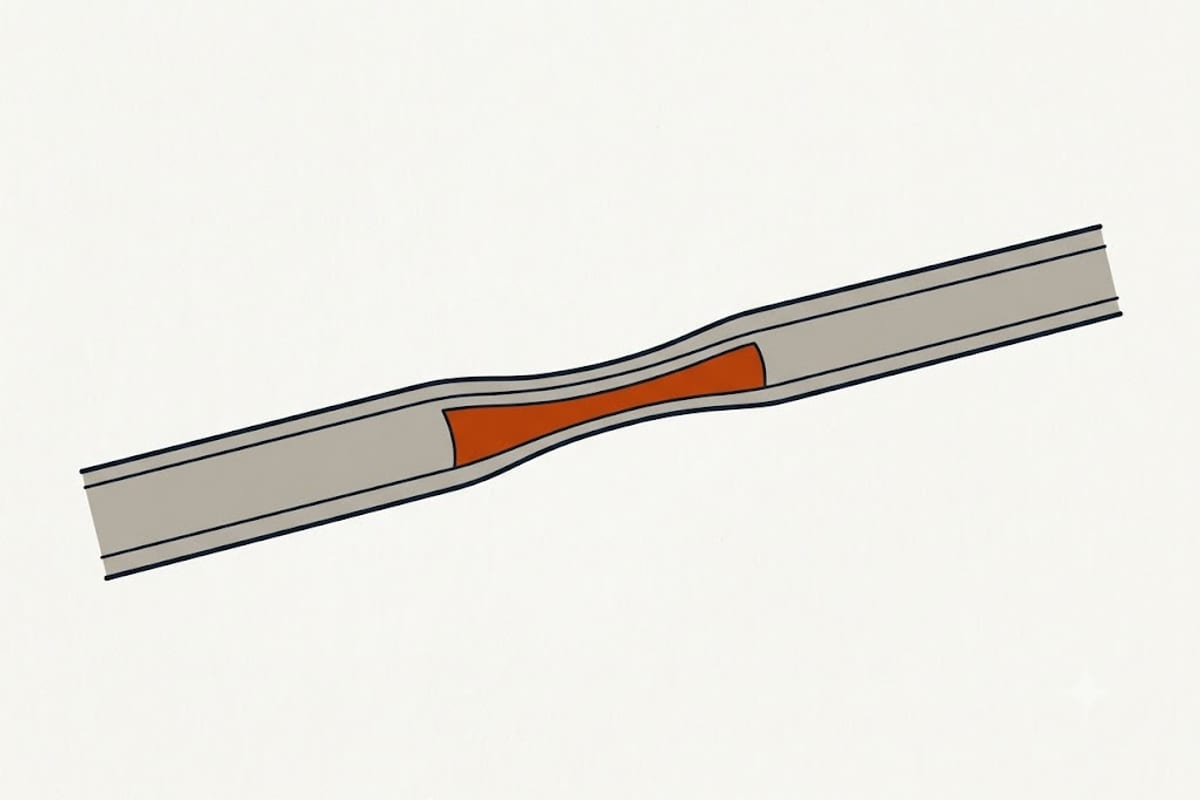
USB-C cables are not interchangeable for power:
| Cable | Carries |
|---|---|
| Standard USB-C, no e-marker | 60 W (20 V / 3 A) |
| E-marked USB-C | 100 W (20 V / 5 A) |
| USB PD 3.1 EPR rated | Up to 240 W |
A 100 W charger with a 60 W cable is a 60 W system. This is the most common reason a correctly rated charger charges slowly, and nothing on either the charger or the laptop reports it.
Cables that came with phones are frequently 60 W or lower, and many are charge-only with no data lines — fine for power, useless for a display.
Charging through a dock or monitor
A USB-C monitor advertising "90 W power delivery" passes that to the laptop, less whatever the dock's own peripherals take. Docks powering drives and Ethernet deliver less than the headline figure to the machine.
For a laptop that needs 100 W, a 90 W display is an underpowered charger by another route — usually fine at a desk doing light work, insufficient under load.
Travelling with one charger
A single high-wattage USB-C PD charger will run a laptop, a phone and a tablet, which is the strongest practical argument for USB-C over barrel plugs.
Two details decide whether it works in practice. Multi-port chargers split their total budget, and rarely evenly: a 100 W charger with two ports commonly delivers 65 W and 30 W when both are occupied, not 50 and 50. The split is printed in the specification and it changes depending on which port is used.
GaN chargers are physically smaller at the same rating — gallium nitride switches more efficiently than silicon, so less of the power becomes heat and the housing can shrink. A 100 W GaN brick is roughly the size of an old 45 W one, and that is the whole reason to pay the premium.
Battery health and charging habits
Leaving a laptop permanently plugged in is far less harmful than it was a decade ago. Most machines now stop charging at 100% and run from the adapter, and many offer a charge limit of 80% for machines that live on a desk — worth enabling, because time spent at a full charge is the main avoidable stress on a lithium cell.
Heat matters more than charge cycles. A laptop charging at full rate while running a heavy workload in a warm room ages its battery faster than the same machine charging slowly overnight, which is a mild argument for the lower-wattage charger in exactly one situation.
Before buying
Read the original adapter, the port shape, and the cable rating together. Model designation matters here as much as it does for memory and ink — the family name does not identify the power requirement, and neither does the screen size.