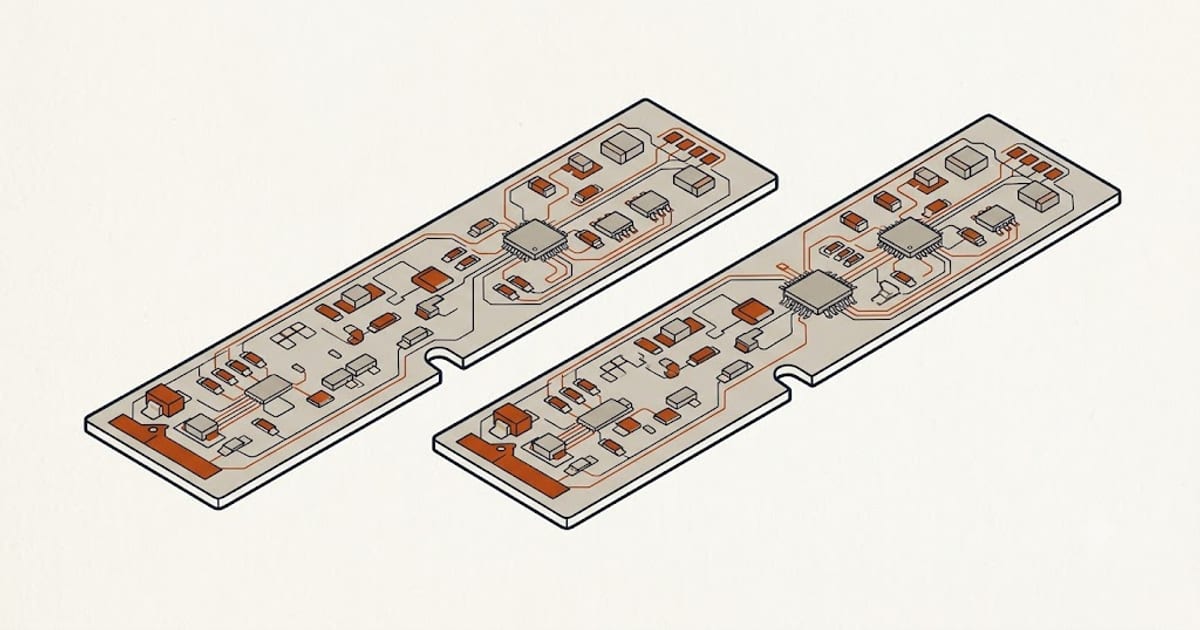
Four things decide whether a memory module fits, and they have to all be right:
- Can it be upgraded at all — is there a socket, or is the memory soldered?
- Form factor — laptops take SO-DIMM, not the full-length DIMM a desktop uses
- DDR generation — DDR4 and DDR5 do not interchange, at all
- Capacity ceiling and speed — set by the CPU and chipset, not by the module
Start with question one
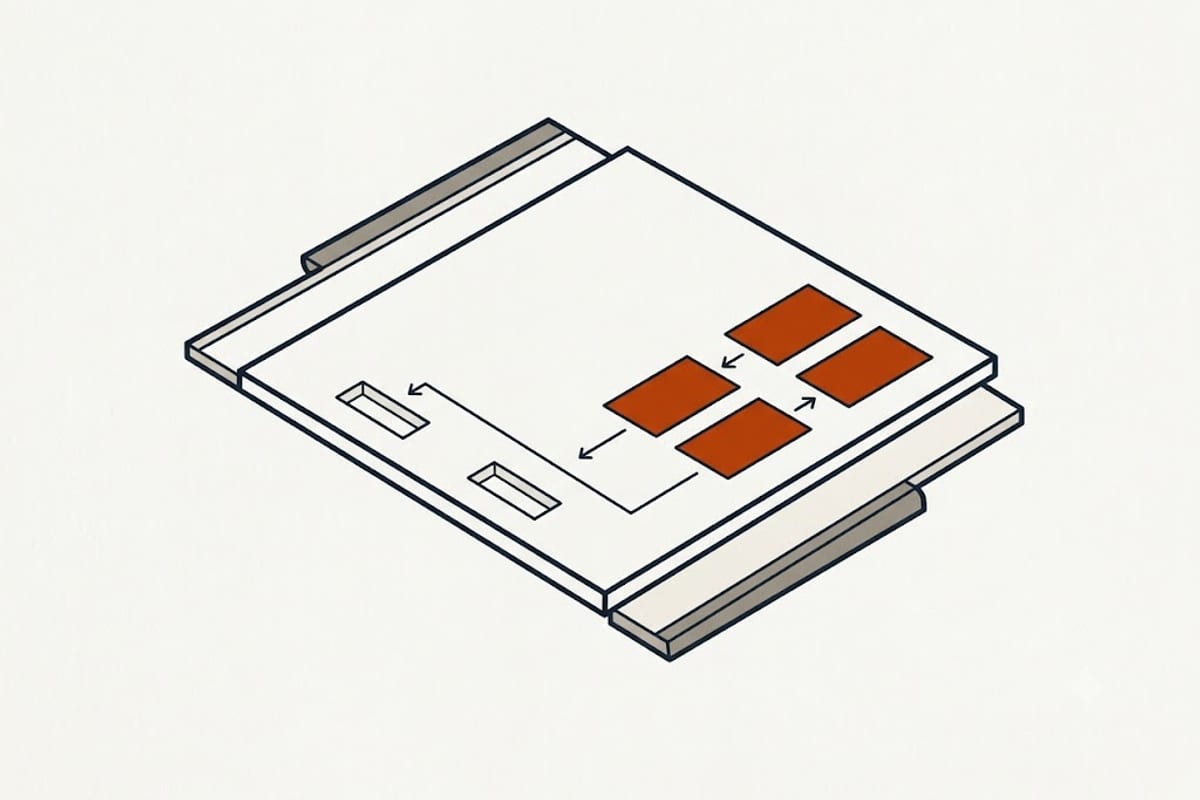
A great many thin laptops sold since about 2020 have memory soldered directly to the mainboard. There is nothing to open and nothing to buy. This includes:
- Every Apple Silicon Mac. Unified memory is part of the SoC package; the amount is fixed at purchase, permanently.
- Most ultrabooks using LPDDR4X or LPDDR5. Low-power DDR is only produced in soldered form.
- Many 13-inch and 14-inch business laptops, and a growing share of thin gaming models.
Some machines are hybrid: 8 GB soldered plus one empty socket. Those upgrade, but adding a mismatched module can drop the machine out of dual-channel mode for part of its memory.
How to check without opening it: find the model's official specification page and look for the words soldered, onboard, or not upgradeable. On Windows, Task Manager → Performance → Memory shows Slots used: "1 of 2" means a free socket, "1 of 1" usually means one socket and no more. Crucial and Kingston both run model lookup tools that answer this directly.
Form factor and generation
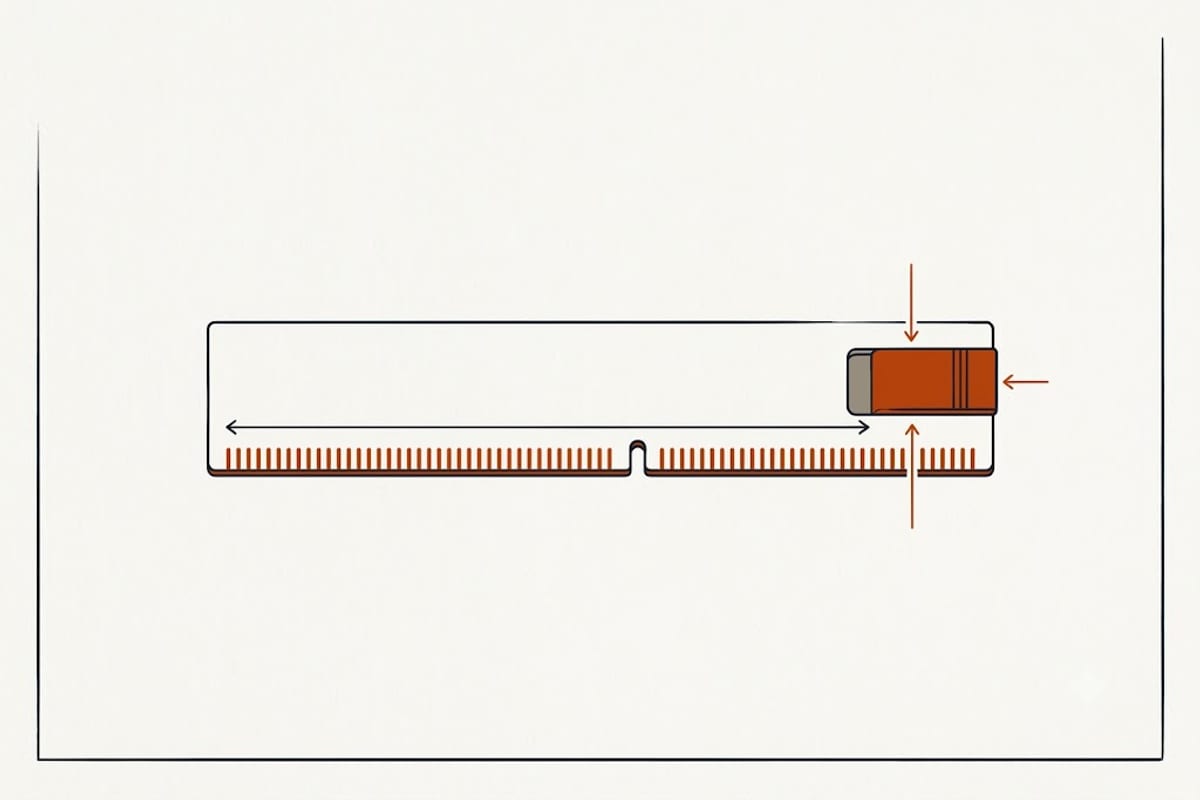
Laptops use SO-DIMM — about half the length of the desktop DIMM.
| Generation | Pins | Fits alongside |
|---|---|---|
| DDR3 / DDR3L SO-DIMM | 204 | Nothing newer |
| DDR4 SO-DIMM | 260 | DDR4 only |
| DDR5 SO-DIMM | 260 | DDR5 only |
| CAMM2 | — | CAMM2 only, newer machines |
DDR4 and DDR5 SO-DIMMs both have 260 pins and the notch sits in a different place, so a DDR5 module physically will not seat in a DDR4 socket. That is deliberate — the voltages and signalling differ, and forcing one in damages both.
CAMM2 is a newer flat module standard appearing in some 2024-onward laptops. It is not compatible with SO-DIMM in either direction.
Capacity and speed are the machine's limits, not the module's
Maximum capacity is set by the CPU and chipset. A laptop rated for 32 GB will not use a 64 GB kit; it will either refuse to boot or see 32.
Speed runs at the lowest common denominator. Fitting DDR4-3200 into a machine whose chipset supports DDR4-2666 gives you 2666. Money spent on the faster kit is wasted, though nothing breaks.
Mixing sizes usually works, mixing badly costs bandwidth. Two identical modules run in dual-channel, which is meaningfully faster than one module of twice the capacity — especially on laptops using integrated graphics, where the GPU shares system memory. 2 × 8 GB beats 1 × 16 GB for most real work.
How much is enough
| Use | Sensible amount |
|---|---|
| Browsing, documents, video | 8 GB |
| Many tabs, light photo editing | 16 GB |
| Development, VMs, large photo work | 32 GB |
| Video editing, large datasets | 64 GB where supported |
The upgrade that changes how a machine feels is usually 8 GB → 16 GB. Beyond 32 GB, more memory only helps if something is actually running out; unused RAM does nothing.
The lookup that settles it
Take the exact model number from the sticker underneath the laptop — not the marketing name. "Inspiron 15" describes dozens of machines with different chipsets; the service tag or full model string describes one.
The same principle governs which cartridge fits a printer and what charger a laptop needs: the family name is not the identifier.