
Cartridge numbers belong to a printer series, not to a manufacturer's whole range. A cartridge fits the printers its number was assigned to and nothing else, and the number is printed on the cartridge already in the machine.
The fastest reliable answer is to open the printer and read the cartridge in it. Second fastest is the model number on the printer's own label — not the family name on the front.
What the family name hides
Manufacturers sell many printers under one marketing name, with different cartridge families across the range and across model years. Two printers whose names differ only by a digit routinely take different cartridges.
Three things to take from the printer itself rather than the box or the shelf label:
The full model number, from the label on the back or underside. This is the string the manufacturer's supplies lookup expects.
The cartridge number currently installed. Printed on the cartridge and usually visible without removing it.
Whether it is a cartridge printer or a tank printer. Refillable ink-tank models take bottles, not cartridges, and the bottles are keyed to their own series.
XL, high yield, and what changes
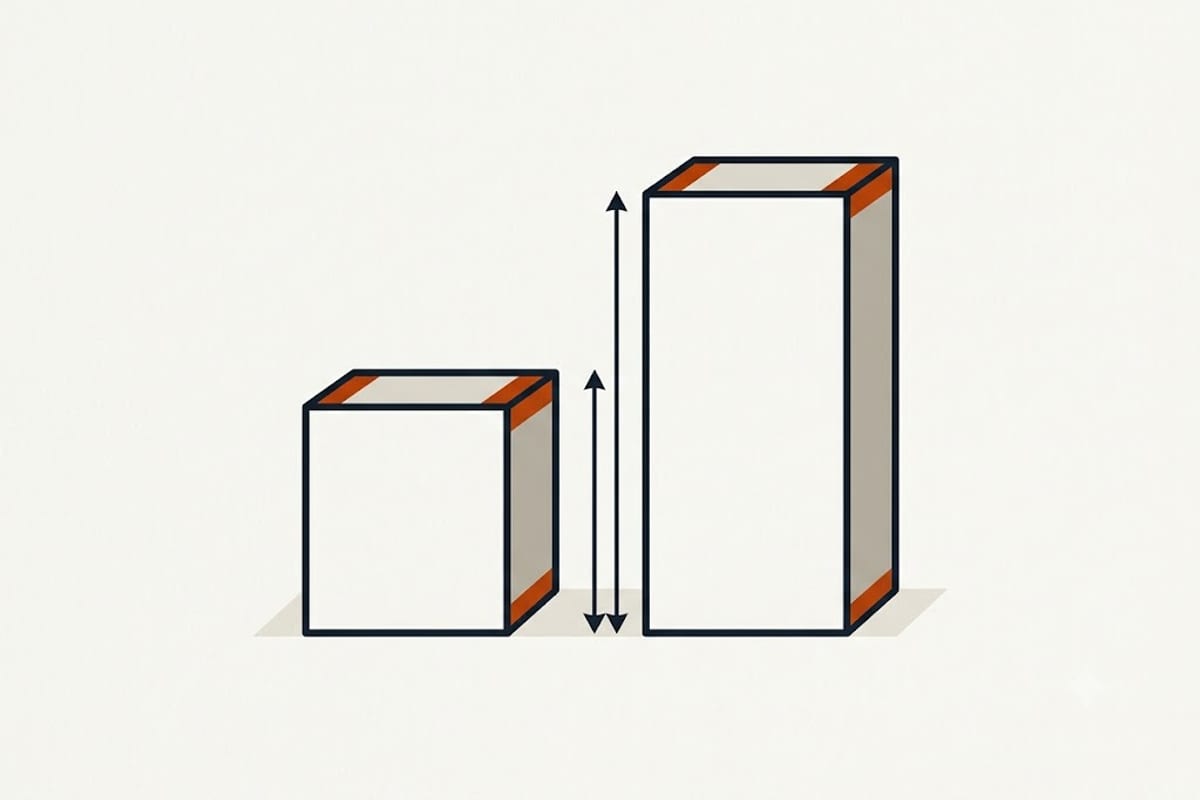
An XL or high-yield cartridge carries the same number with a suffix, uses the same chemistry, and fits the same printers. What differs is ink volume — typically two to three times a standard.
| Standard | XL / high yield | |
|---|---|---|
| Fits | Same printers | Same printers |
| Ink volume | 1× | 2–3× |
| Price | 1× | 1.5–2× |
| Cost per page | Higher | Lower |
The XL is almost always cheaper per page. It is worse value only for a printer used so rarely that the ink dries or expires before it is used — genuinely a risk on a machine printing a few pages a month.
Page yield is a standard, not a promise
Published yields come from ISO/IEC 24711, a standard test page printed continuously at default settings. Real yields fall short of it for reasons that have nothing to do with the cartridge:
Coverage. The test page is about 5% coverage. Photographs, coloured backgrounds and dense graphics run far higher and drain proportionally faster.
Maintenance cycles. Inkjets clean their heads on a schedule and after idle periods, and that ink comes out of the cartridge without printing anything. A printer used twice a month can spend a substantial share of a cartridge on cleaning alone.
Colour used for black. Many printers compose black text from colour inks in some modes, draining tanks the user did not expect to be using.
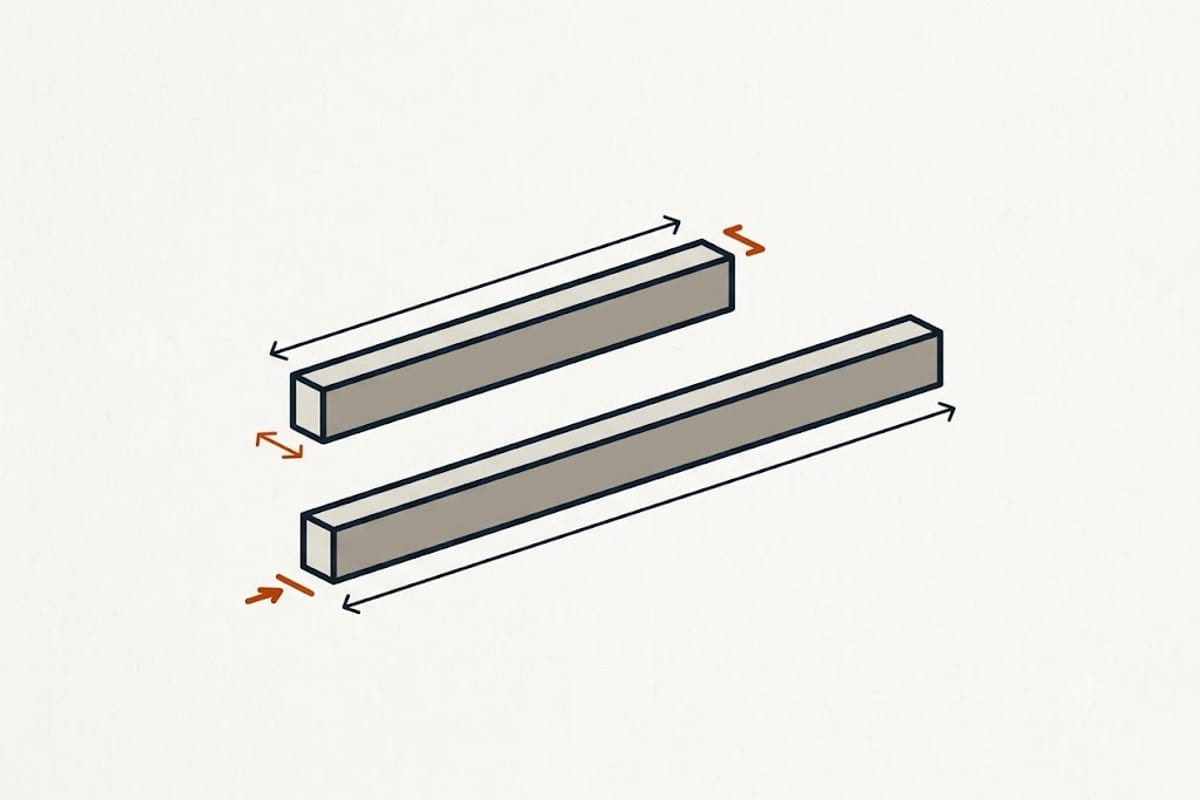
The number worth comparing is price ÷ rated pages, and it separates machines more than it separates cartridges. Two printers at similar purchase prices commonly differ by three or four times in cost per page, and over a few years that dwarfs the difference in machine price.
Regions, chips and firmware
Region coding is real. Many cartridges are region-locked and a cartridge bought in a different region may be rejected even with the correct number.
Chips carry the ink level. They also carry a serial, which is how printers detect a cartridge that has already been reported empty.
Firmware updates can change which cartridges are accepted. Third-party and refilled cartridges that worked before an update have repeatedly stopped working after one. Where a printer runs on non-original supplies, automatic firmware updates are worth disabling deliberately.
Individual tanks against tri-colour
A tri-colour cartridge holds cyan, magenta and yellow in one body, and it is finished when the first colour runs out — a page-heavy usage pattern in one colour throws away the other two.
Individual tanks cost more up front per set and less over time for anyone printing more than occasionally.
Reading the exact model number rather than the family name is the same discipline that decides which memory module fits a laptop and what charger it needs.